Absence Requests Parent Instructions
Parents and Guardians can use their Infinite Campus Parent Portal to request an absence for their student. To request an absence, you must have access to the Infinite Campus Parent Portal and be listed as the student’s parent or guardian. See our "How To" Guide: Navigating Campus Parent for instructions on setting up your Infinite Campus Parent Portal.
Requesting an Absence
-
Log in to your Infinite Campus Parent Portal Account or the Campus Parent mobile App.
-
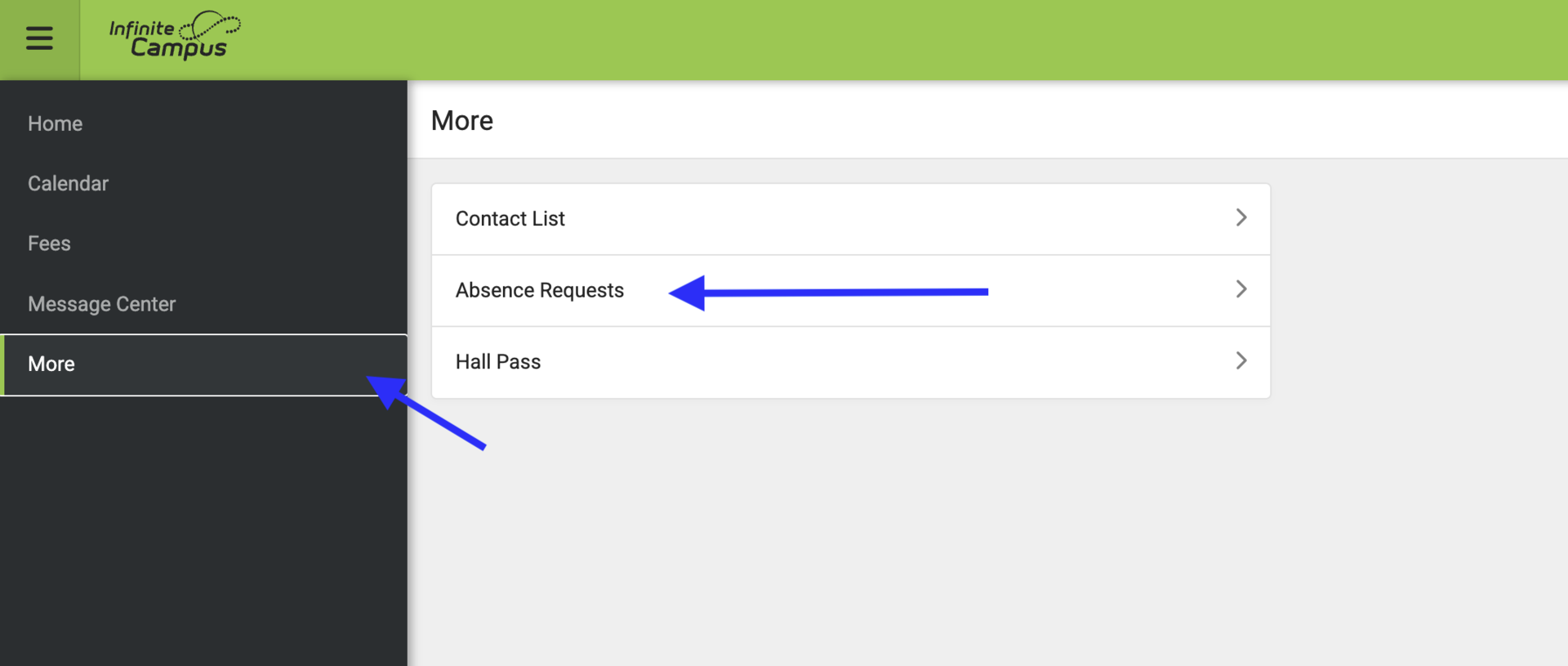
Select “More” from the left navigation menu, then select “Absence Requests.”
-
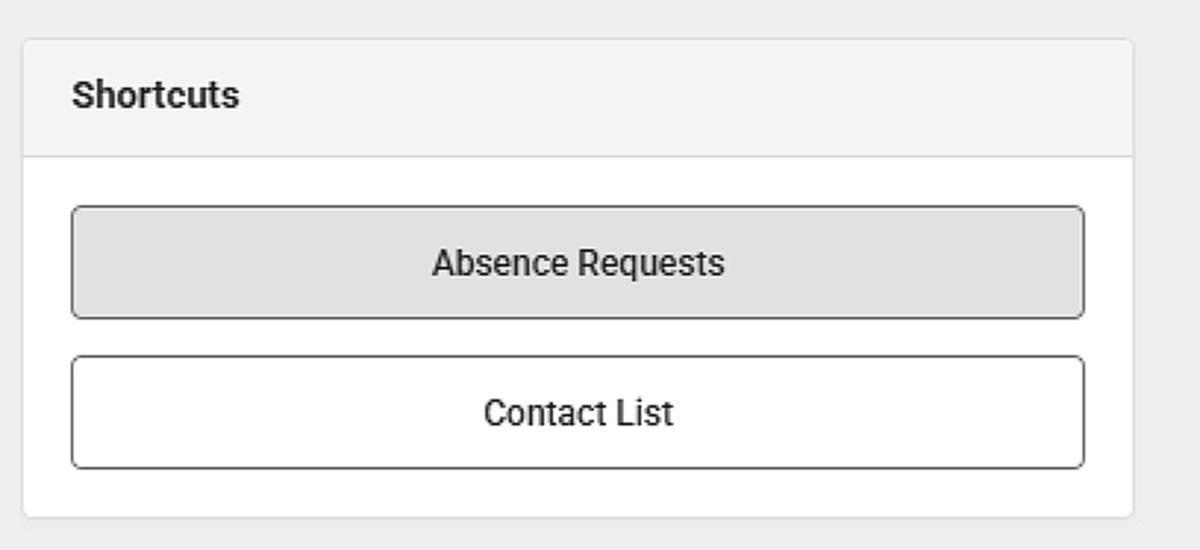
The Infinite Campus App homescreen will have the Absence Request button at the bottom:
- The Absence Request link on the Infinite Campus desktop can be found in the More menu.
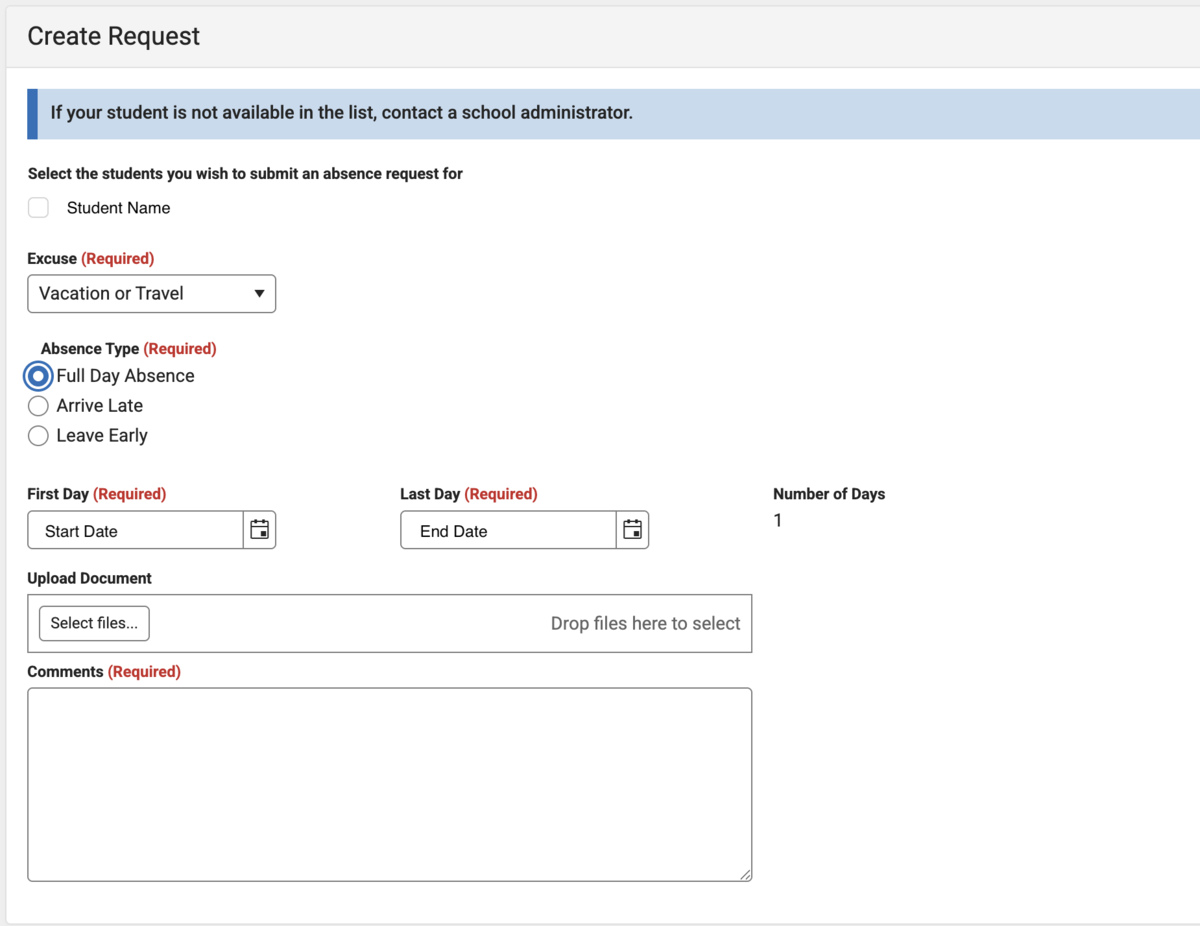
- Mark the checkbox of the student(s) you are requesting an absence for. You may select more than one student at a time.
- Select the absence “Excuse.”
- Select the date or the date range.
- Enter a comment that provides more detailed information. This field is required and is only viewable by the attendance staff.
- Click “Submit.”
- Submitted requests will display a status of “submitted” until processed.
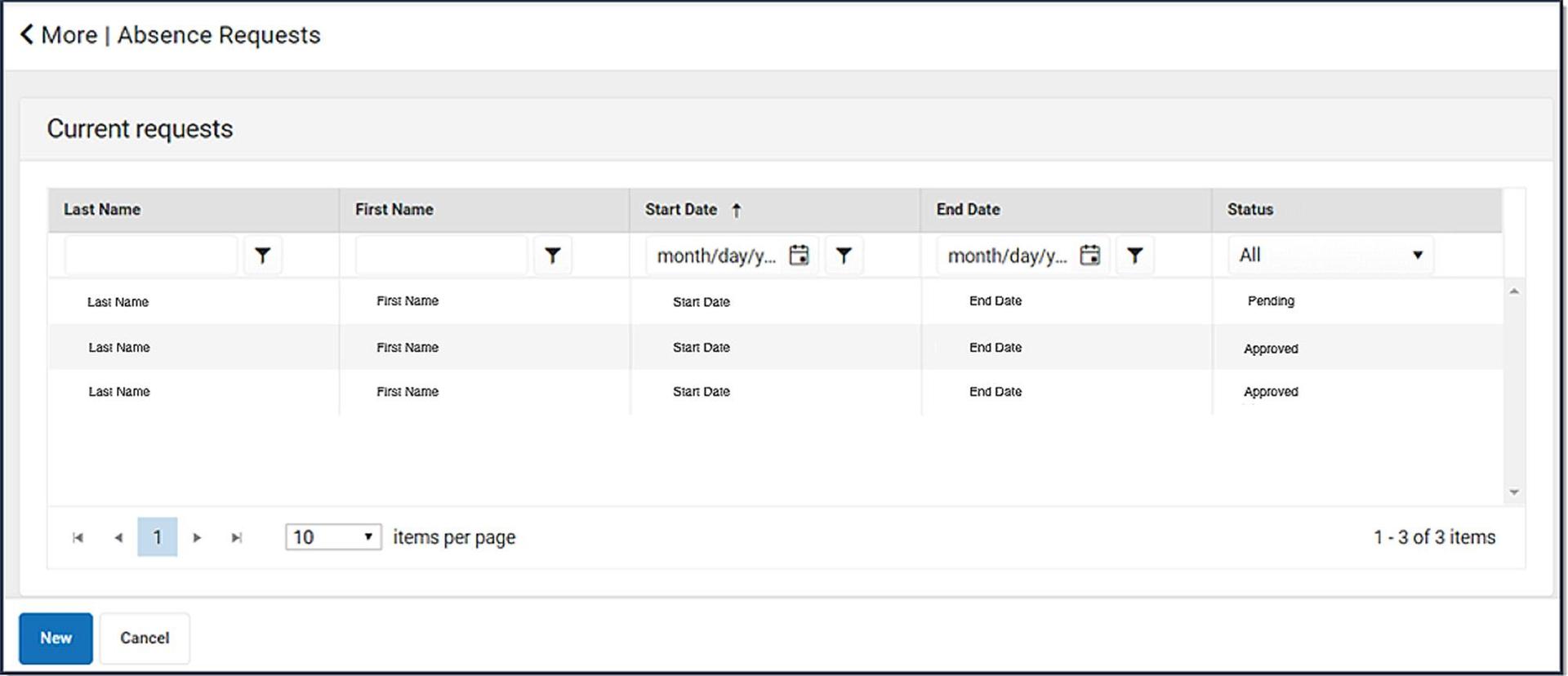
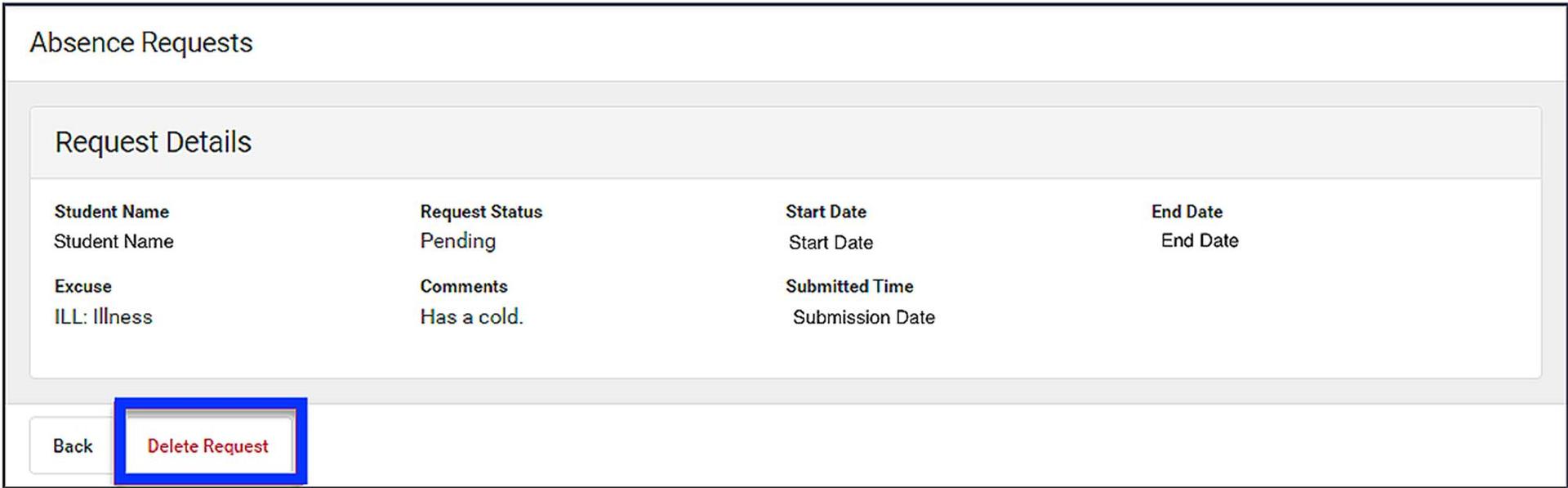
- Parents can also delete an unprocessed request. Submitted requests can be cancelled by clicking on “View Requests” and then clicking on “Delete Request.”
*Parents can still call the school to excuse absences, and will have to call the school to excuse a past absence.